ESR

480+ corporate events · 5 years

Flight Simulator Rental with a Pilot-Operator

Book a flight simulator rental and your guests take off, fly and try to land a jet in a few minutes, with our operator in the right seat. Nobody needs to have flown before.

A guest at the flight simulator controls while colleagues watch on an event terrace

Where our simulator has flown

A hangar, a corporate campus and a school event hall each had a different crowd and the same compact station.

  • Our operator in pilot gear guides a guest through take-off at Hangar 21

    Sysmex evening at Hangar 21

    An agency planned a customer evening for Sysmex America in an aviation hangar during a lab industry conference. Our operator dressed for the part, and guests lined up to take the pilot's seat. Read about the flight simulator for Sysmex at Hangar 21.

    Flight simulator for Sysmex at Hangar 21

Why a flight simulator for corporate events works

Flying is something almost every guest has wondered about, and almost nobody has tried.

That curiosity does the work for you. A guest sits down, takes the yoke and sees the runway on the screen. The operator talks them through the throttle and the first turn. A few minutes later they're lining up to land, and everyone around them is watching to see if they make it.

The theme fits some companies better than any other activity. Aerospace firms, airlines, travel brands and anyone hosting in a hangar or near an airfield get a game that matches the room. For other ideas that put guests inside a story, see our immersive experiences.

A guest at the yoke and throttle during a flight

A flight planned around your audience

We set up the flight to match who's in the room and how much time they have.

Challenges with a score

Landing Challenge asks guests to put the plane down on the runway. Low Altitude Challenge has them fly low without touching the ground. Both give people something to compare.

Session length that follows the line

At a slow reception, a guest can fly for several minutes. When a queue forms, the operator shortens each attempt so more people get a turn.

Ages from kids to executives

The operator adjusts the flight to each guest, from a six-year-old to a parent over forty.

The operator's hands on the yoke and throttle quadrant before guests arrive

What's in the booking

You book one station, and the people and logistics come with it.

  • Delivery and setup. We bring the simulator, build it and test the software before your guests arrive.
  • A pilot-operator. Our person stays at the station, seats each guest and talks them through the flight.
  • Your theme. For an aviation-themed evening, the operator can wear a suit with pilot accessories. Challenge names and the screen can follow your event concept too.
  • Teardown. We pack everything up after the last landing.

Flight simulator rental cost

You get a price for your event from a few details.

We work without a price list, and every event gets a custom quote. These details shape it:

  • Number of stations: one, or two side by side.
  • Event days and hours of flying.
  • Your city.
  • Venue access, such as an airfield gate, a stairway or a late load-in.
  • Theming, like a costumed operator or your logo on the screen.

Our how we quote page explains the process.

Flight simulator events, start to finish

Each project below shows the timing, the setup and what guests did once the station was open.

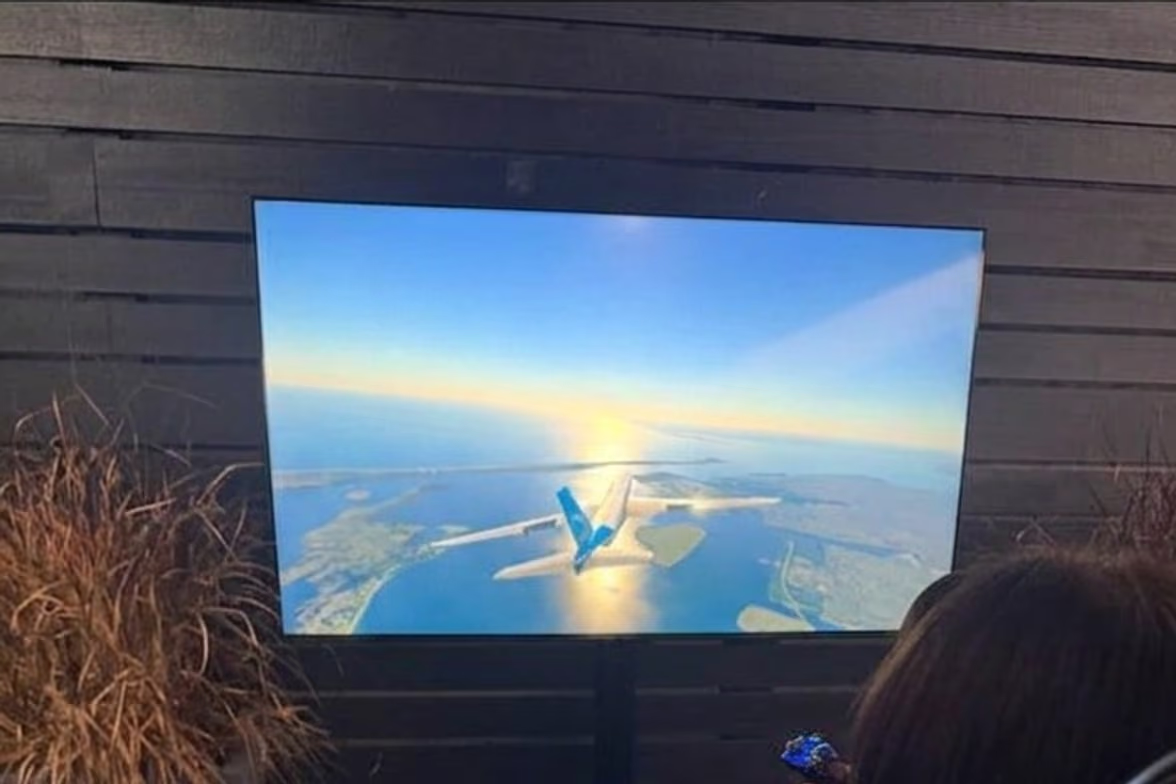
A guest flies an airliner over the coast on the big screen at Hangar 21

Flight Simulator for "Take Flight with Sysmex" at Hangar 21, Fullerton

Work done: Hosting an evening reception? The crew arrived at 1:30 PM, the station was ready by 4:30 and guests flew from 6 to 10 PM. Airfield-side access and insurance papers were sorted with the agency and the venue in advance. Afterwards, the agency wrote to say its team and its client were pleased with the product and with our professionalism.

Client:
Sysmex America (organized by Total Brand Experience)
Venue:
Aviation hangar event venue (Hangar 21)
City:
Fullerton, CA
Read the case

Photos from Hangar 21

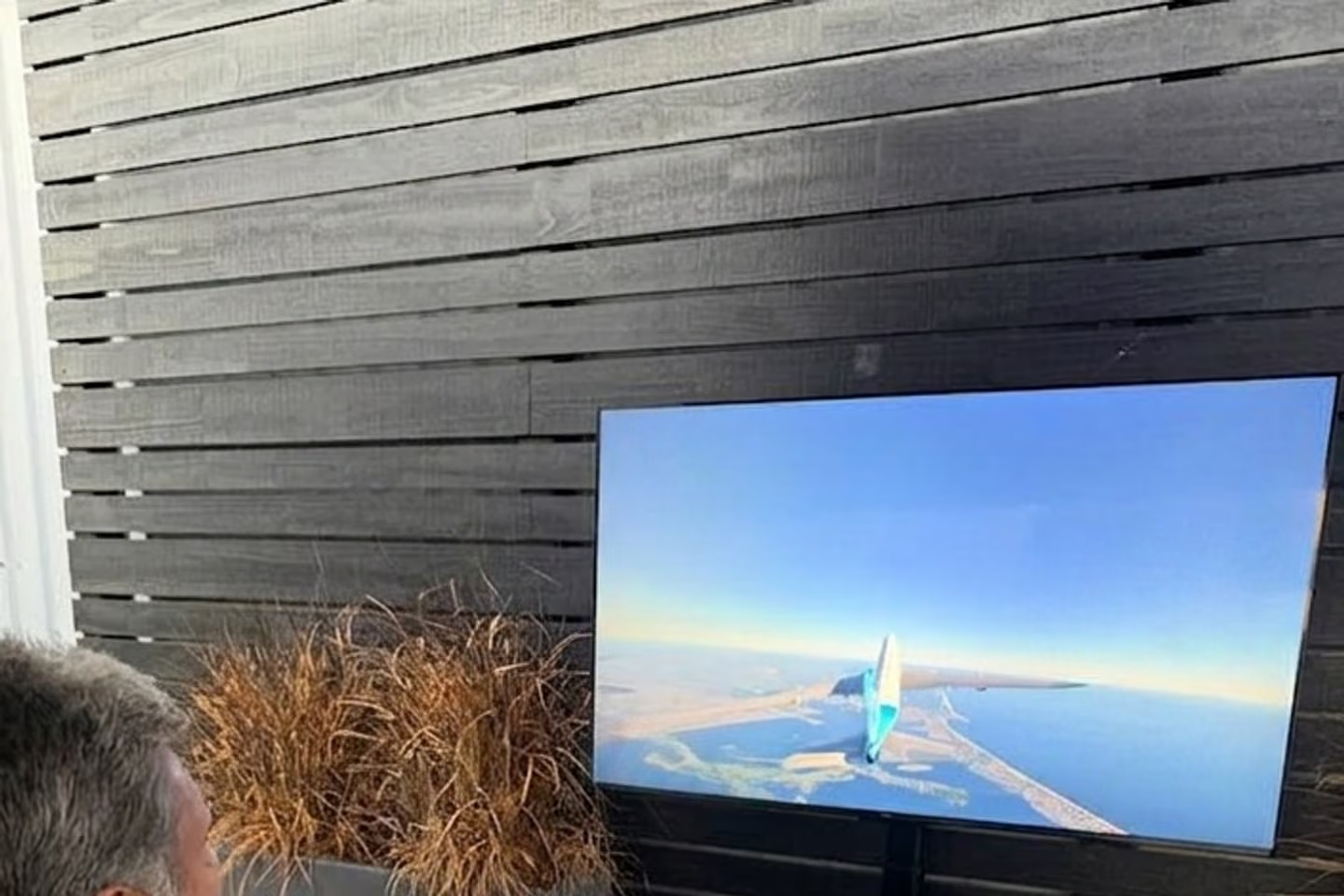
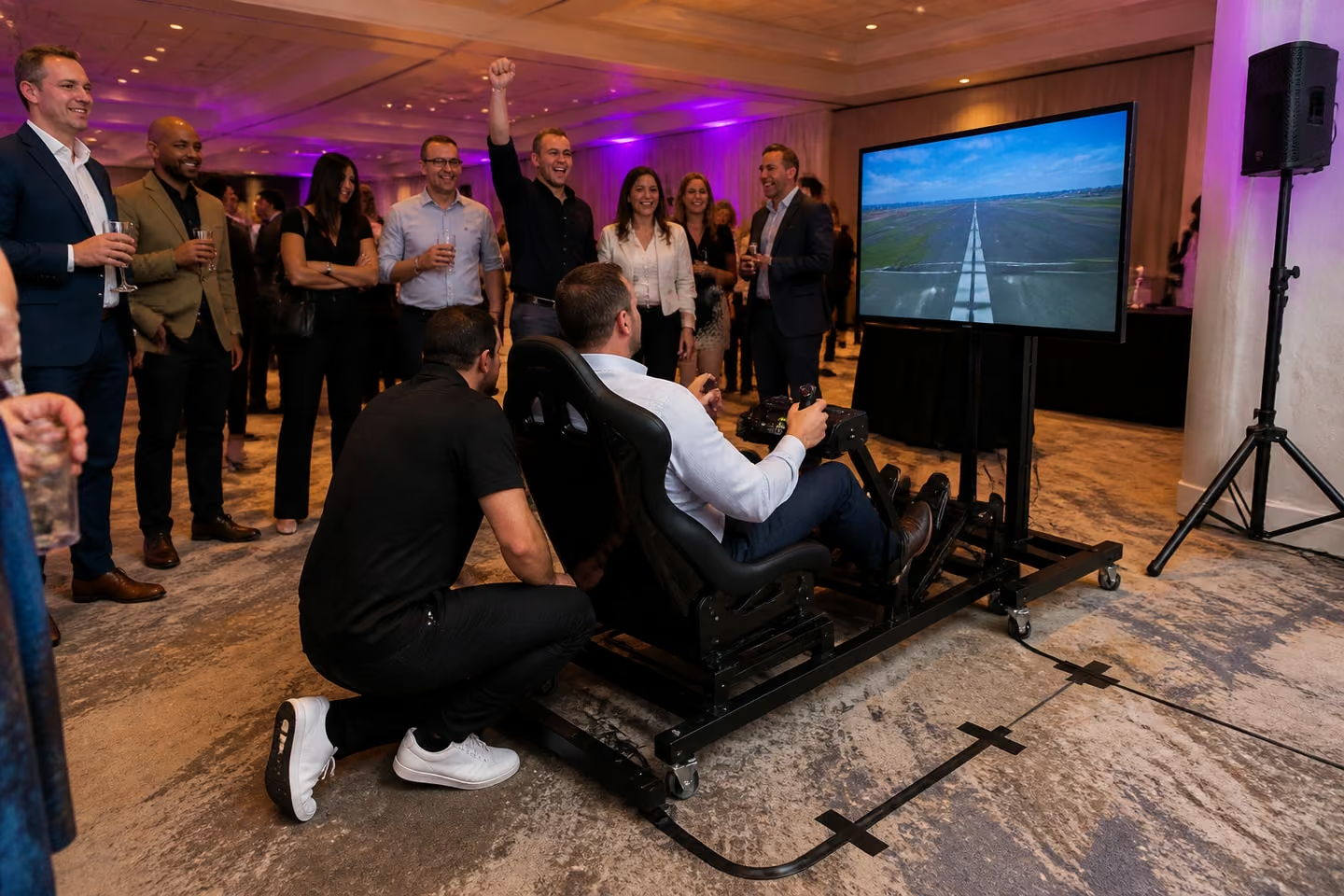
These shots show the station size, the screen and how guests gather around a flight.

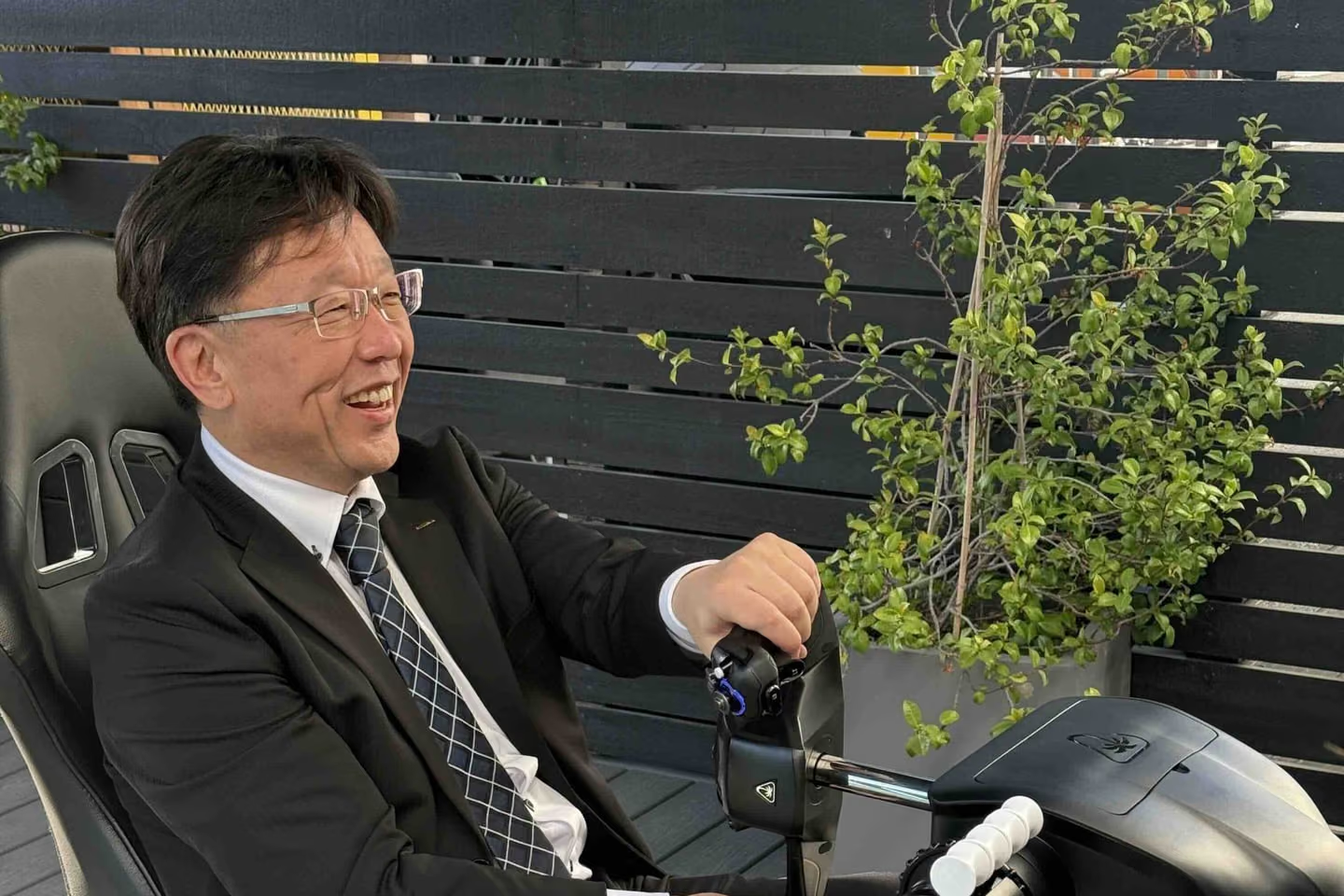
  • A guest in a suit laughs at the controls on the event terrace
  • A conference guest takes the controls
  • Close view of the screen and controls mid-flight
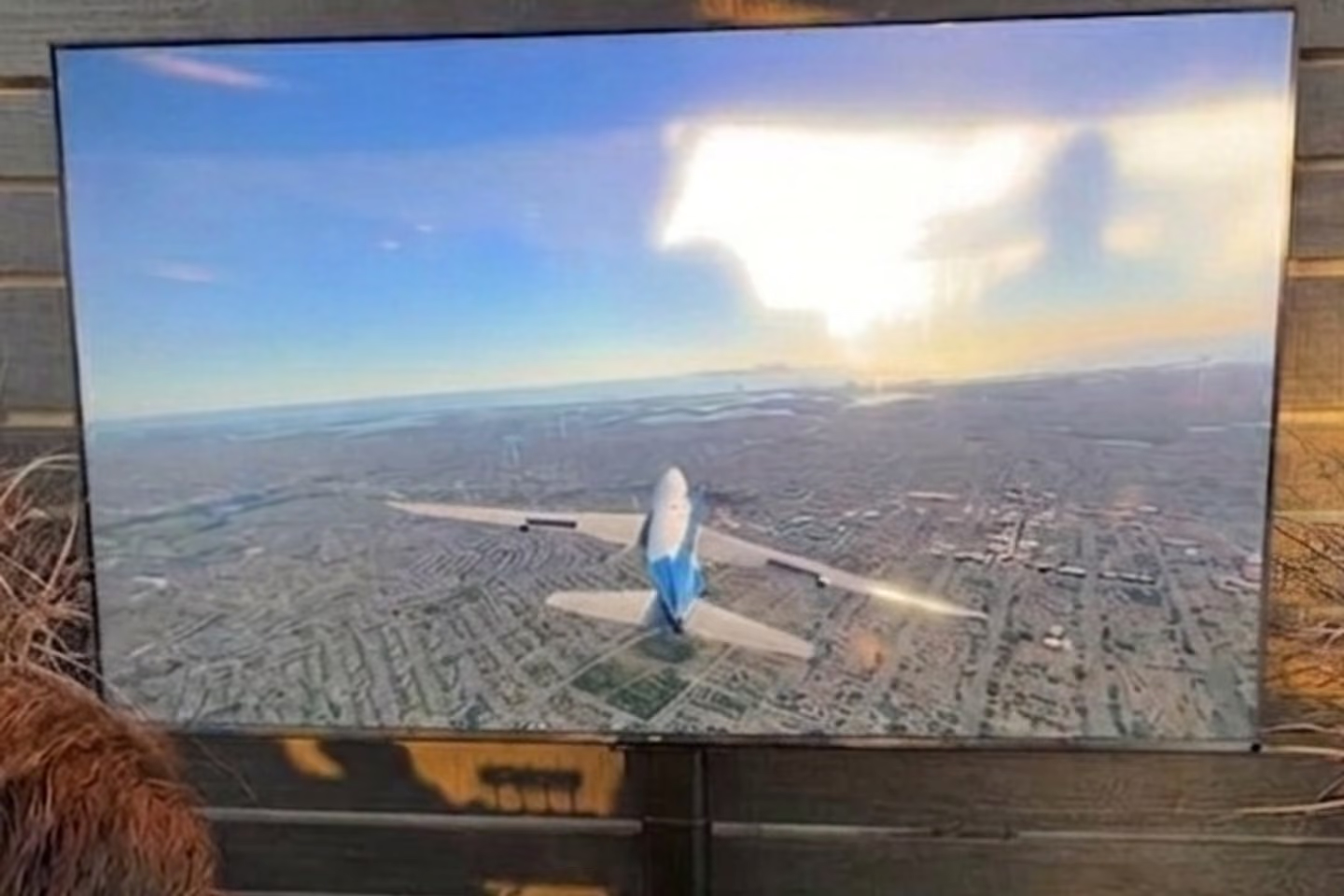
  • Guests watch a colleague land the airliner at a ballroom reception

Venue access and insurance

Your venue gets our paperwork before load-in, so the station isn't stuck at the gate.

We provide insurance documents to venues and organizers on request. Hangar venues often have airfield-side rules, so we clear access and insurance with the organizer and the venue ahead of the event. Send us your venue's requirements with your request, and we'll match them early.

What can ground a flight simulator

Here's what can keep a simulator from flying at your event, and how we plan around it.

  • Flights that run too long.

    A five-minute flight is fine for ten guests and a problem for a hundred. Our operator shortens sessions as soon as a line forms.

  • No one at the controls with the guest.

    A yoke, a throttle and a screen full of instruments scare off first-timers. With an operator talking them through take-off, they stay and land.

  • Sun on the screen.

    On a terrace or patio, glare makes the display hard to read. Tell us where the station will stand, and we'll plan the screen angle and timing.

  • A weak connection.

    If the venue network drops, the software can stall. We check the venue Wi-Fi with you before event day.

  • A blocked load-in.

    Airfields, campuses and office towers have gates and passes. We arrange access with the venue before event day.

From request to landing

Here's how a flight simulator booking moves, so you know what happens next.

  1. Step 1: Send the details

    • Date, city, venue, hours and how many guests.
    • We reply right away.
  2. Step 2: Get your quote

    • You'll have it in minutes, with the stations and the options you asked for.
  3. Step 3: Agree the format

    • Challenges, session length, theming and where the station stands.
  4. Step 4: Clear the venue

    • Load-in time, access, power, Wi-Fi and insurance documents.
  5. Step 5: Setup and test

    • We arrive hours ahead, or the day before for an early start.
  6. Step 6: Flying

    • The operator seats guests, runs the flights and manages the line.
  7. Step 7: Teardown

    • We pack up after the last landing.
A flight simulator with seat, yoke, throttle and pedals beside a large screen on a show-floor platform

What's in a flight simulator rental

  • An A320-style flight simulator with yoke and throttle
  • A 55-inch display
  • A computer with flight software
  • Our operator for the whole event

A compact station fits in a corner of a ballroom, a booth or a hangar floor.

We fit the setup to your venue and confirm space, power and Wi-Fi with you before event day. Leave room for a short line and people watching.

A flight usually takes about 3 to 5 minutes. Want a competition on wheels instead? Look at our racing simulator rental.

Our operator helps a guest line up for landing

Who's at the station

You won't have to staff it. We send the people who run it.

  • Pilot-operator. Stays at the simulator all event, seats each guest, explains the controls and adjusts the flight to their age and nerve.
  • Event lead. Plans the layout and timing with you and the venue, leads setup and teardown and stays your contact on site.

Flight simulator rental near you

Your city is on our map. We have two bases, Los Angeles and Orlando, and work across the U.S. Our Orlando office and warehouse are at 310 N Orange Ave.

Two bases

Los Angeles and Orlando

West CoastEast CoastAll 50 states

Florida and the East Coast are a working region for us. Aviation and aerospace employers there get a station that matches their industry, and so do simulation shows such as I/ITSEC at the Orange County Convention Center. Send the city and the venue, and we'll confirm the date.

Orlando office: 310 N Orange Ave, STE. 201, Orlando, FL 32801

Questions

How much does a flight simulator cost to rent for an event?

Every event gets its own quote. It depends on the number of stations, hours, city and access. Send the basics to get yours.

Is this a pilot training simulator?

No. Ours is built for guests at events: quick to learn, fun to watch and run by an operator. It doesn't log training hours.

Do guests need flying experience?

No. The operator explains each control before take-off and stays beside the guest during the flight.

Can kids fly it?

Yes. Children from about six years old have flown alongside their parents, and the operator keeps the controls simple for them.

How much space and power do you need?

We fit the setup to your venue and confirm space and power with you in advance. Leave room for a line.

Can it work outdoors?

Yes, with shade or in the evening. Tell us about the spot and we'll plan around the sun.

Do you need the venue's internet?

It helps. We also bring a hotspot as a backup.

Can we have two simulators?

Yes. Two stations can run side by side, so the line moves twice as fast.

How far ahead should we book?

As early as you can. Short notice can still work: one school booked our surf simulator two days before its party.

Plan your flight

Send the date and the venue. We'll check availability right away and bring the station, the operator and the teardown crew. Tell us the event type, date, city, guest count and budget. Add how many stations you'd like and whether the evening has an aviation theme. Or call +1 213 912 1010