

VR Soccer
One or two players take shots and make saves while the crowd follows on the screen. It suits family celebrations as well as office parties.
480+ corporate events · 5 years
Our VR rental puts one guest in a headset and the game on a big screen, so a whole room plays along. Pick soccer, baseball, hockey or zombies for your crowd.

Each station runs one clear game, so guests know what they're signing up for before they put the headset on.
One or two players take shots and make saves while the crowd follows on the screen. It suits family celebrations as well as office parties.

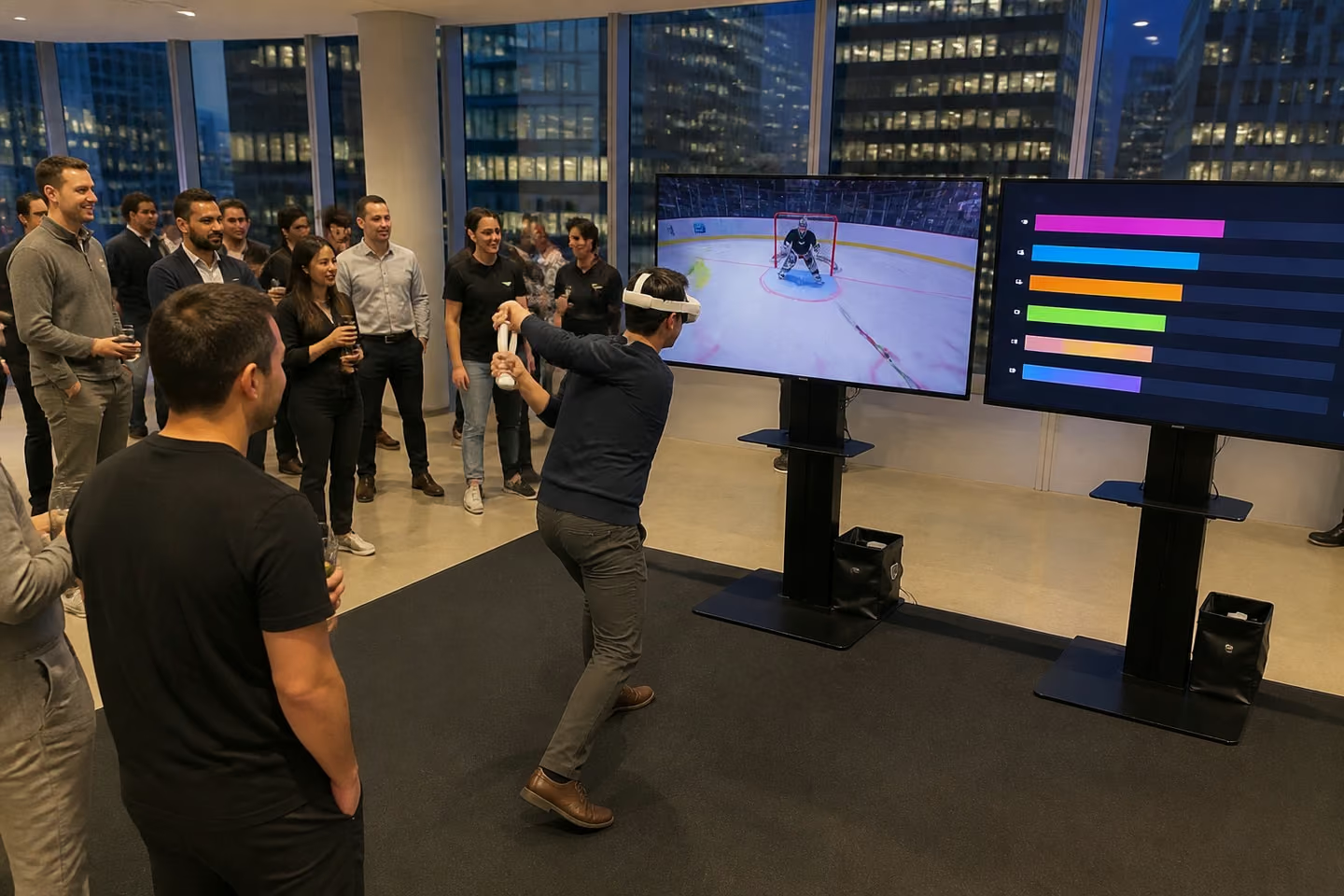
Batting and shooting on goal, with a shared leaderboard for a company social.

An action game for Halloween, costume parties and late receptions. We choose the game and its intensity with you.
VR gives a guest a few minutes inside a game and gives everyone around them something to watch.
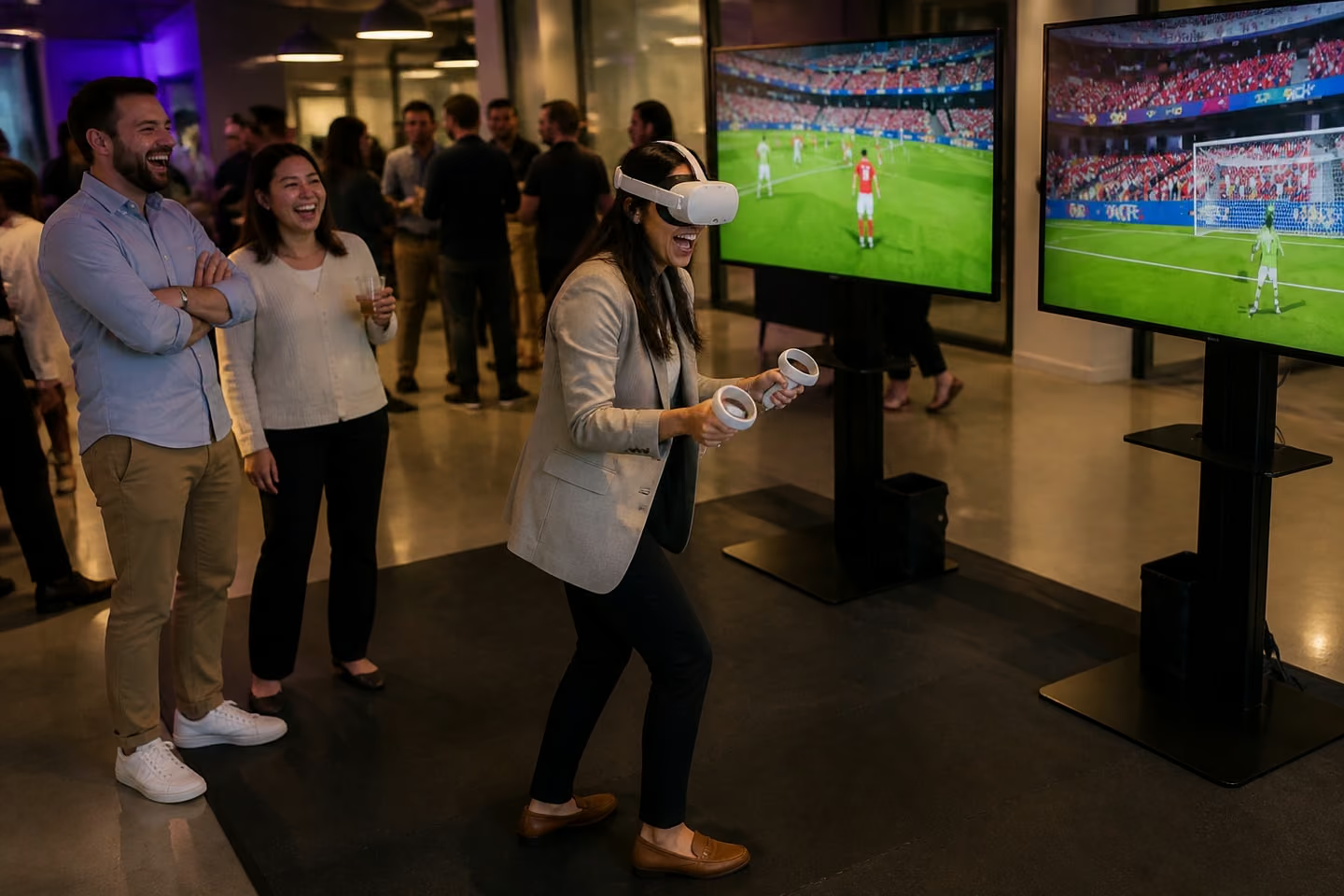
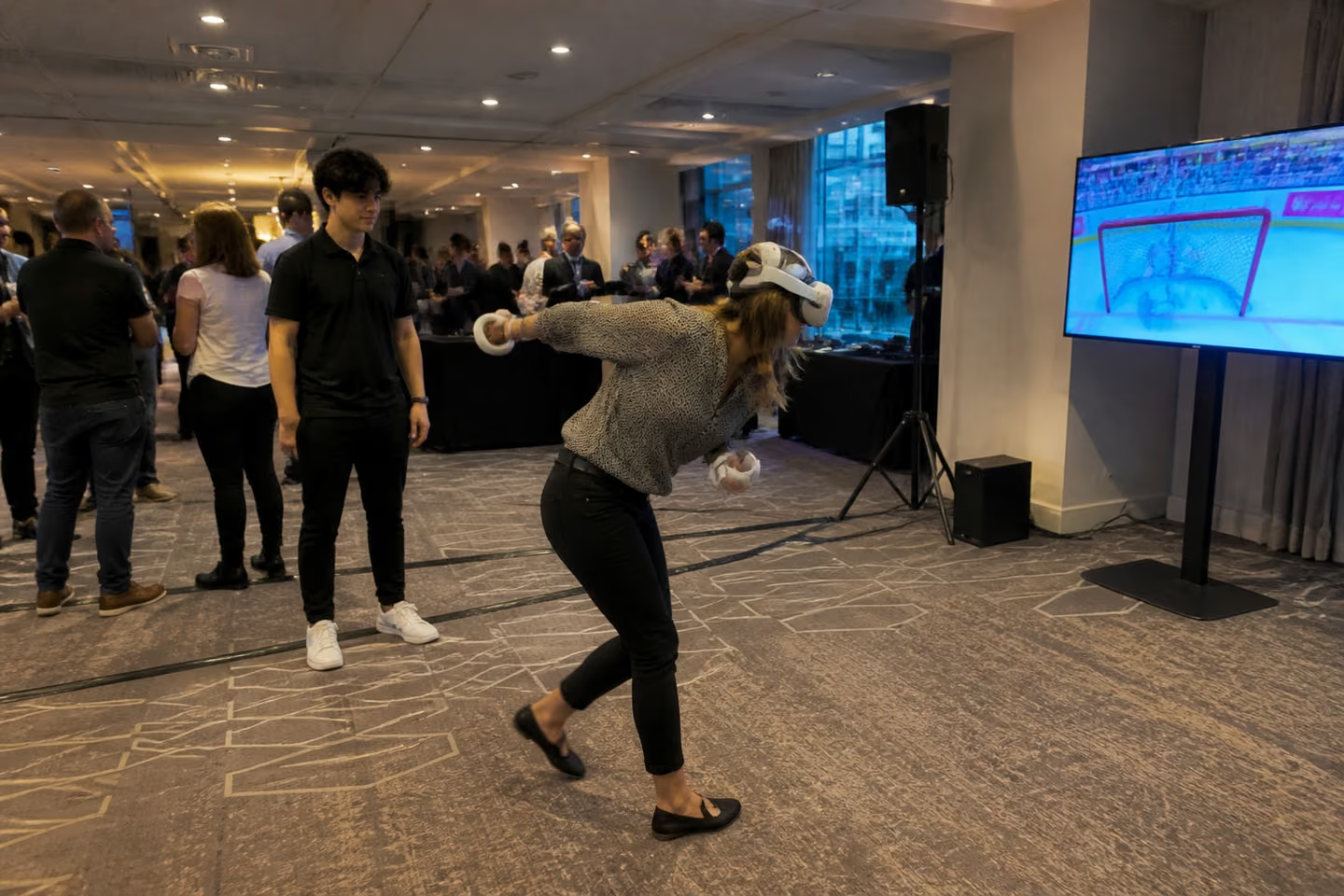
The screen does half the work. A player in a headset on their own looks odd from the side. Put the game on a large TV and it turns into live VR the room can follow: people cheer a goal, groan at a miss and step up to try.
That's why VR events work for mixed crowds. The player doesn't need gaming skills: the moves take a few seconds to learn. The crowd doesn't need a turn to enjoy it.


A good virtual reality rental for events is a planned station, not a box of gear. You get one.
Want an arcade feel with several games side by side? A VR arcade rental with two or more stations fills a lounge. For larger brand worlds, see our immersive experiences.
You book the game and we handle everything around it.

You'll get a quote for your exact setup, with no price list to decode. Every event gets its own quote. The VR rental cost depends on:
These two events show VR at a family celebration and at an outdoor company social.
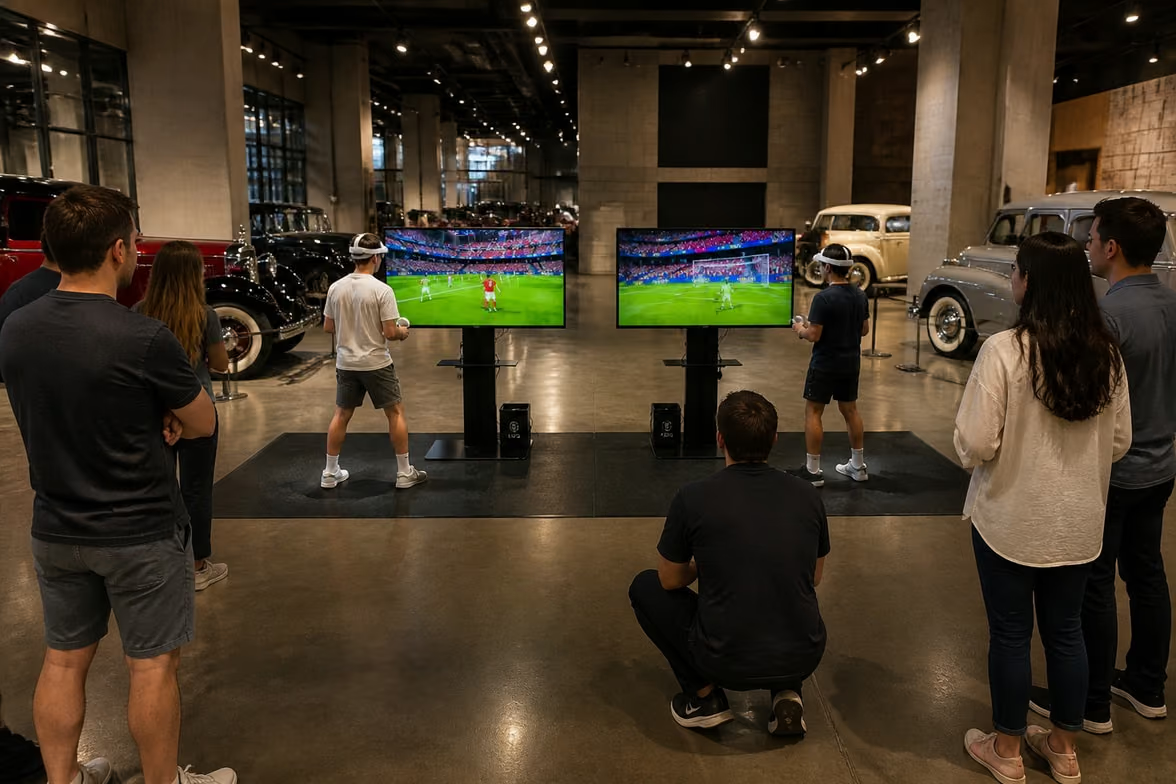
Work done: A bar mitzvah planner needed two guests to play at once, with the game visible to the whole room. For two-player VR soccer at the Marconi Automotive Museum, we brought two stations, each with its own 55-inch TV, and one attendant for the five-hour party.
See how much floor a station takes and where the crowd gathers.
We get your venue what it needs before load-in.
We send insurance documents on request. Before the event, we agree power, Wi-Fi, load-in time and the exact spot for each station with the venue.
VR stations fail for a few avoidable reasons.
A screen that faces the wall.
If the TV points away from the room's traffic, people walk past without noticing. We turn each screen toward the crowd's path.
Sessions that run too long.
A long game means a long line. We set short sessions for event pace.
Venue Wi-Fi left to chance.
Some games need a stable connection. We check it with the venue before the day.
Too little space.
A player swinging an arm needs clear room. We mark a play zone around each station.
Each step is clear before it happens.
Here's what a station looks like on your floor.
Each station has a standalone headset with hand controllers, a large TV on a stand and a play zone the operator keeps clear. We fit the setup to your venue and confirm space and power with you, including room for a line. A session takes a few minutes per guest, so the line keeps moving.
For outdoor events, the screen needs shade, and we plan tents and power distribution with you.

You don't need to learn the tech.
We have two bases: Los Angeles and Orlando, where our office and warehouse are at 310 N Orange Ave. We work across the U.S., from the West Coast to Florida and the East Coast. Send the city, and we'll plan transport, setup and operators together.
Two bases
A VR station with a big screen suits a busy convention floor, such as the Orange County Convention Center in Orlando during the PGA Show or IAAPA Expo.
Orlando office: 310 N Orange Ave, STE. 201, Orlando, FL 32801Yes. A VR party works for office celebrations, holiday parties, bar and bat mitzvahs and birthdays. Tell us the guest count and ages.
Yes, with limits. Headset makers such as Meta set a minimum age of 10. Tell us the youngest guest's age and we'll pick suitable games.
It works for VR team building when guests compete on a shared leaderboard. For a longer program, combine VR with other stations.
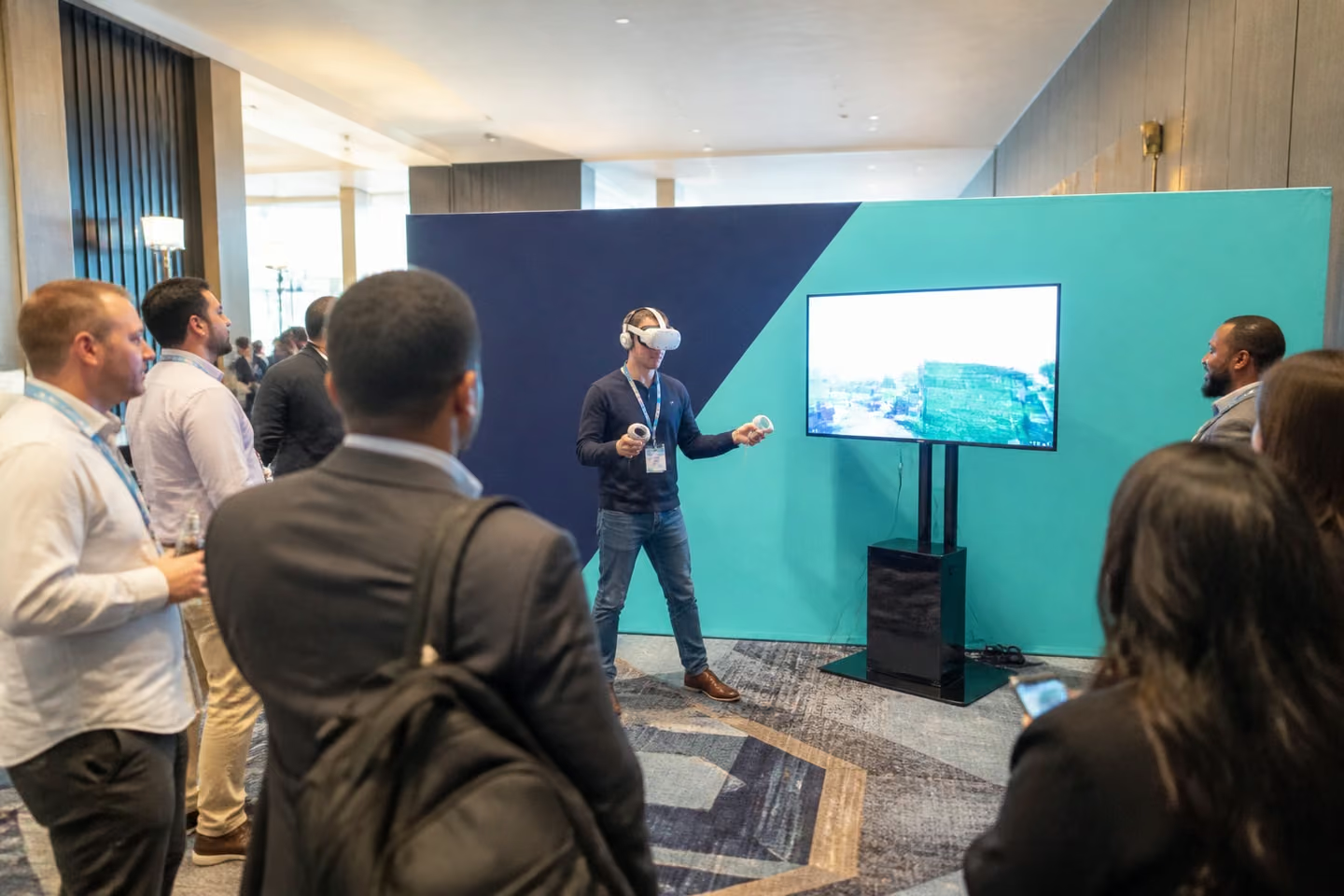
Trade show VR works when the game is easy to read from the aisle. The line gives your booth staff time to talk with each guest.
Some people do. We keep sessions short, and guests can take the headset off at any moment.
Our VR stations are headset games with a screen. For a ride with motion, look at our flight and racing simulators, and tell us what you have in mind.
We wipe headsets and face pads between guests.
Send us the date, the venue and your guest count. We'll reply right away, and one team will bring the stations, run them and pack up. Tell us the event type, date, city, guest count and budget. Add the ages of your guests and which VR games you like. Or call +1 213 912 1010
