ESR

480+ corporate events · 5 years

Virtual Events and Hybrid Event Production

With our hybrid event production, the people watching online get the same program as the room: clear sound, a steady picture and their questions answered on stage.

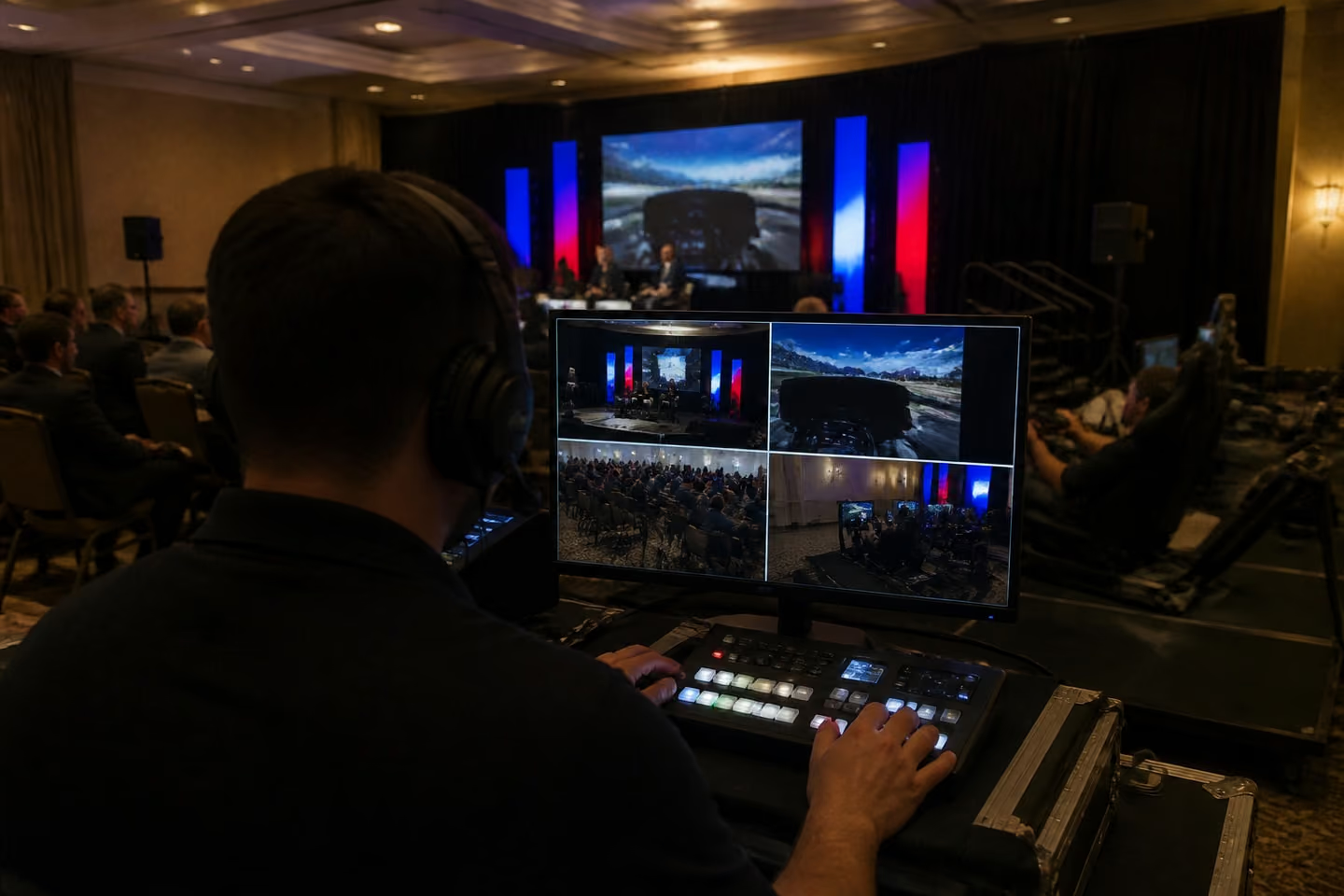
A speaker on stage with a camera in the aisle and remote viewers on the director's monitor

What hybrid event production covers

Hybrid production lets you reach the people who can't travel without giving the room a weaker event.

A hybrid event is one program for two audiences: guests in the room and viewers online. Production is everything that makes the online half work: cameras, a direct audio feed, light for the camera, a stream to your platform and someone who brings online questions to the stage.

Done badly, online viewers hear the room echo and watch a wide shot of an empty stage. Done well, a hybrid meeting feels to remote staff like a seat in the front row. The same crew also runs fully online events with nobody in a room.

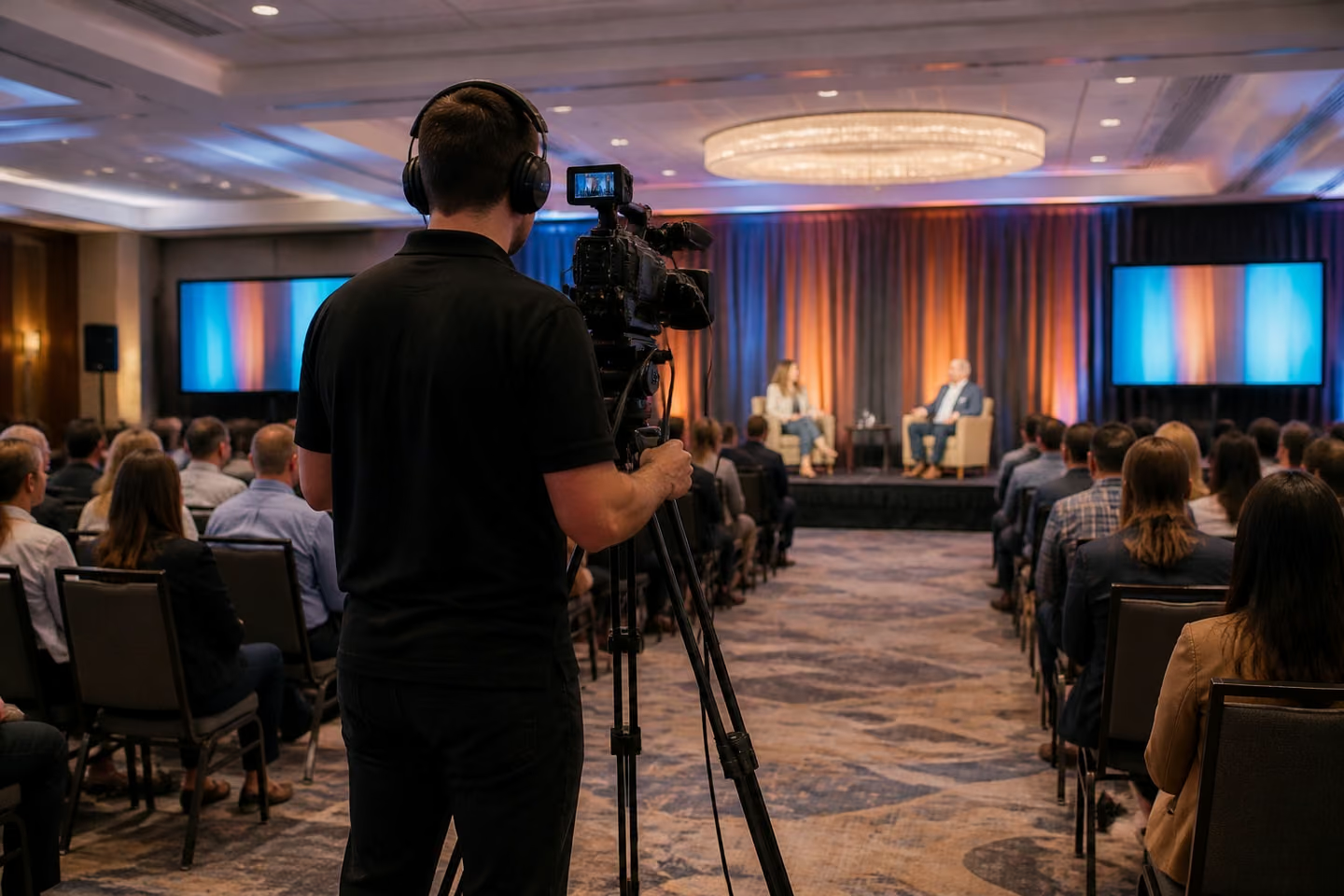
A camera operator frames a presenter while slides play on the screen behind

Built on your virtual event platform

You keep the platform your company already pays for, and we produce the show on it.

  • We don't sell a platform of our own. Your team may already use Zoom, Microsoft Teams, Webex or another virtual conference platform. We connect our cameras, sound and graphics to it, set up the run of show and test it with your IT team.
  • If you haven't picked a platform yet, tell us the audience size, the security rules and what viewers need to do: watch, ask, vote or meet. We'll tell you what fits and set it up.
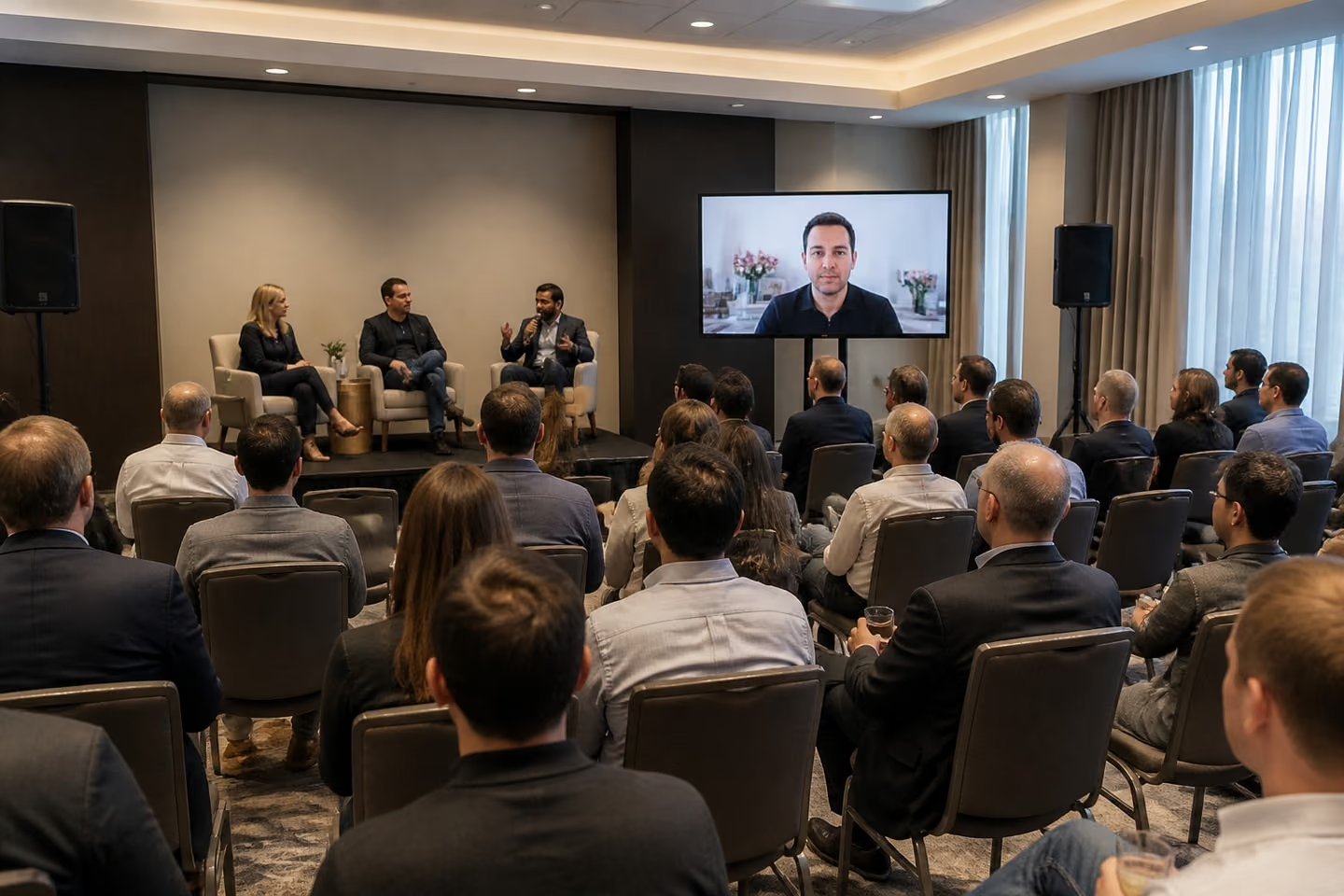
Our technician runs a test call with a remote presenter before a hybrid session

What comes with virtual event production

One booking covers the room, the stream and the people who keep both running.

  • Cameras and switching. Close-ups of speakers, slides and the room, cut live.
  • Sound for the stream. Microphones feed the stream directly from the mixer.
  • Light for the camera. Faces lit evenly, without flicker on the stream.
  • Remote speakers. We bring a speaker in from home onto the screen in the room and into the stream.
  • Audience questions. Q&A, polls and chat moderated, with questions passed to the stage.
  • A test day. We run the platform, links and slides with every presenter before the event.
  • The recording. You get the full program for replay after the event.
  • Interactive stations on the stream. Leaderboards, live votes and AI photo booth results from the room play for online viewers.
See AV rental

What shapes your quote

You'll know the cost of your production before you commit, and you'll have it within minutes.

We don't publish a price list. Each event gets its own quote, built on:

  • Number of cameras and rooms.
  • Remote speakers and breakouts.
  • Platform setup, registration and moderation.
  • Graphics and sponsor slides in the stream.
  • Rehearsal and event hours.
  • Your city and venue access.

Our page on how we quote explains each item.

Rooms we've run

A hybrid conference starts with a room that sounds right, and these events show our crew handling that half.

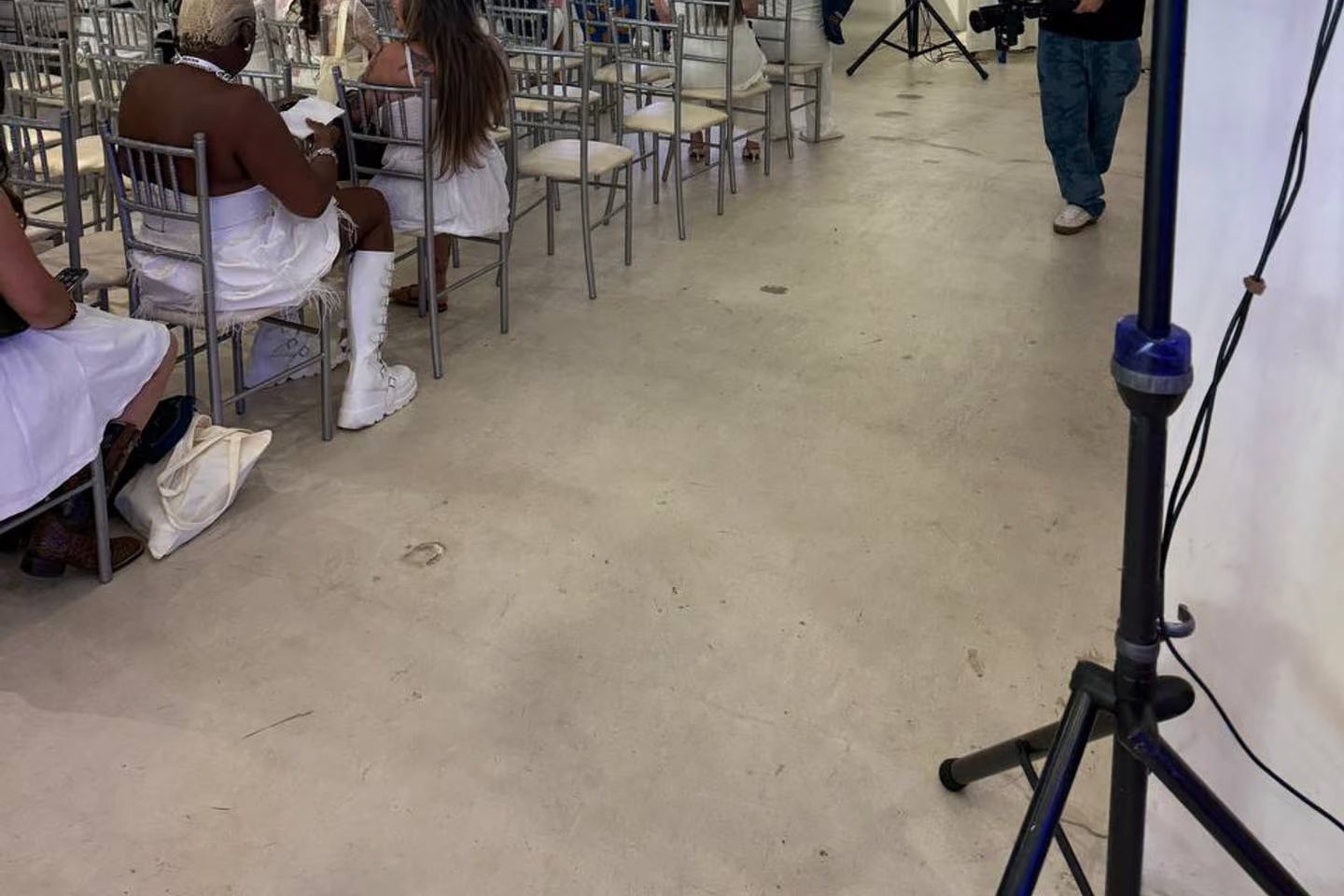
A speaker on a tripod stand covers rows of seated guests at a presentation
Seated presentation

Audio Support for an Indoor Presentation and Seated Program

A seated program with a presenter, slides and a hall full of hard surfaces. We placed speakers along the rows and the side seating and ran a sound check before guests sat down, and every row heard the presenter. A clean room mix is also the feed a stream needs. Read about our audio for a seated presentation.

Los Angeles, CA

Photos from production

A look at where cameras stand, where the director sits and what remote viewers see.

  • Speakers on stands along the seating at a presentation
  • A camera on a tripod in the aisle of a conference room
  • A director cuts between cameras at a production desk
  • A remote speaker on the room screen during a panel
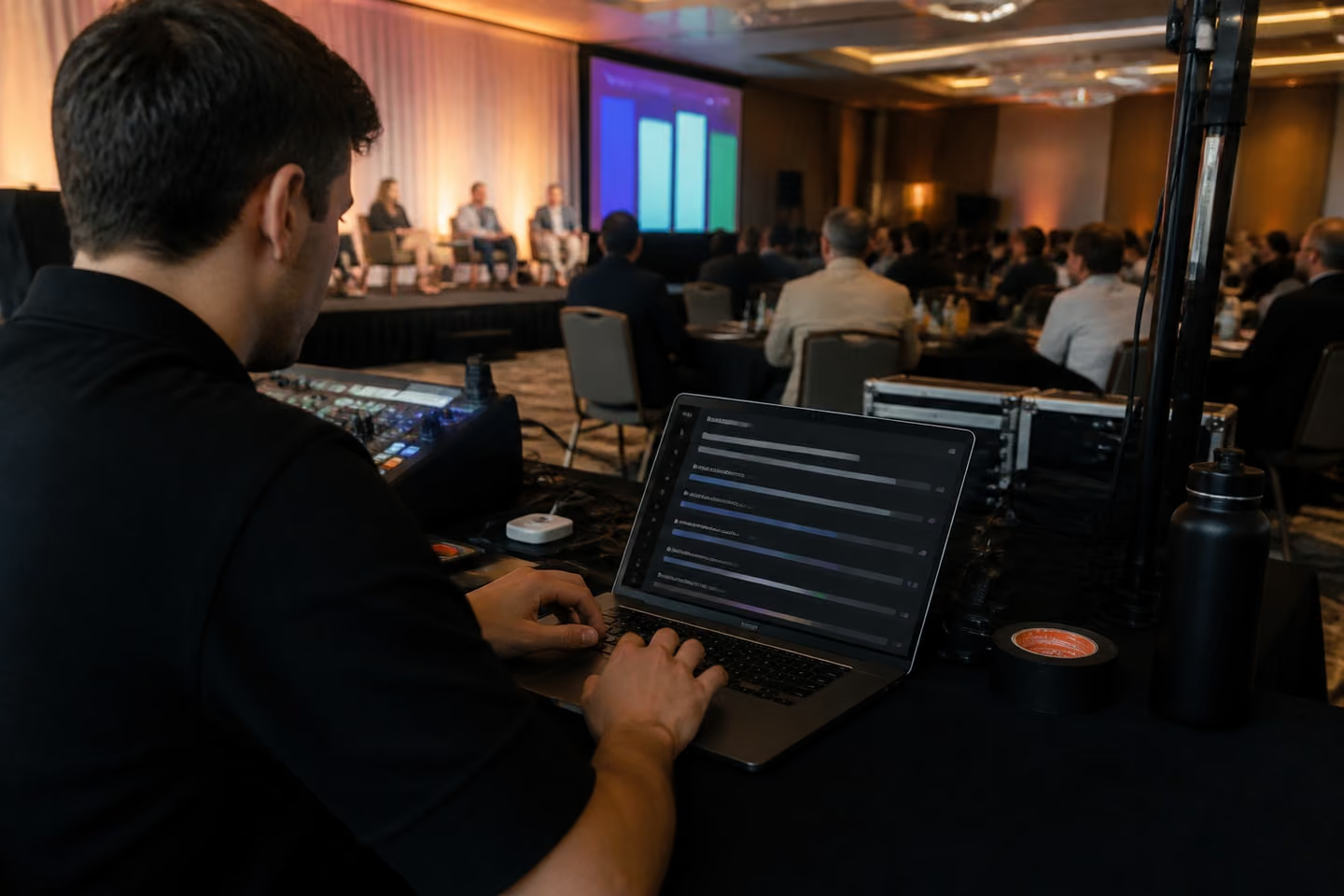
  • A laptop showing live Q&A questions from online viewers

Paperwork, recording and consent

Your venue and your legal team get the details early, so nothing stops the stream on the day.

We send insurance documents to venues and organizers on request. We also agree with the venue where cameras stand, which network we use and where cables run.

If you record or stream, guests and speakers should know. We can add a notice to the registration page and the room signs, and we agree with you who owns the recording.

Where hybrid events go wrong

Online viewers notice these failures in the first minute.

  • Room sound in the stream.

    A laptop microphone picks up echo and coughs, and viewers stop listening.

  • Venue Wi-Fi only.

    The stream drops when guests' phones fill the network. We run a separate connection with a backup.

  • Untested speakers.

    A remote guest can't share slides live. Every speaker joins a test call first.

  • Nobody watching the chat.

    Questions pile up unanswered, and viewers leave. A moderator passes them to the stage.

  • One wide shot all day.

    Viewers can't see faces or slides. We cut between cameras and slides.

How we set up a hybrid event

You'll know what happens at each step, from the first call to the recording in your inbox.

  1. Step 1: You send the basics

    • Date, venue, city, room size, expected online audience and platform.
  2. Step 2: You get a quote

    • Cameras, crew, hours and platform work.
  3. Step 3: We build the run of show

    • Who speaks, from where, with which slides and cues.
  4. Step 4: We set up the platform

    • Links, registration, reminders and moderation.
  5. Step 5: We test

    • A tech check with each presenter and a full rehearsal on the platform.
  6. Step 6: We go live

    • The crew runs cameras, sound, stream and chat.
  7. Step 7: We deliver

    • The recording and attendance numbers the platform gives.
Our producer checks the stream on a monitor before a hybrid session

Who runs your stream

  • Virtual event producer. Owns the run of show, cues speakers and calls the shots.
  • Camera and audio technician. Runs cameras, microphones and the stream feed.
  • Chat moderator. Watches the chat, Q&A and polls and passes questions to the stage.
  • Event lead. Agrees the plan with you and the venue and stays your contact.

You don't need a broadcast team of your own. We bring the producer and the crew who run the stream.

Hybrid events across the U.S.

Wherever your room is, the crew and gear come to it.

Two bases

Los Angeles and Orlando

West CoastEast CoastAll 50 states

We have two bases, Los Angeles and Orlando, with our East Coast office and warehouse at 310 N Orange Ave in Orlando. For a fully virtual program, we produce the show from your office or a room you choose. Send us your city and venue, and we'll confirm the date.

Orlando office: 310 N Orange Ave, STE. 201, Orlando, FL 32801

Questions

What are some examples of hybrid events?

A company town hall with staff in the room and remote offices online, or a sales conference with keynote viewers at home. Our hybrid event examples article goes through more.

Can you produce a town hall for several offices?

Yes. For a town hall or another corporate event, we produce the main room and send one stream that remote offices and home viewers join.

Can you run a fully virtual conference?

Yes. We run it on your platform, with speakers on a stage, in an office or at home.

Can you webcast an earnings call?

Yes. A one-way broadcast, like an earnings call or an announcement, uses the same cameras and sound.

Can you stream to our own channel?

Yes. We stream as part of production, onto your platform or a channel you choose. We don't sell a streaming platform of our own.

What does virtual event mean?

A program people join online instead of in a room: a keynote, a town hall or a conference with sessions. A hybrid event has both audiences at once.

What does event production mean?

Everything that makes the program run on time and look right: the run of show, stage, sound, light, cameras and the crew who cue it. For a hybrid event, it also covers the stream.

Can you produce a virtual sales kickoff?

Yes. A sales kickoff often adds awards and live polls, and we plan them into the run of show.

Can you add an icebreaker for virtual meetings?

Yes. A short game or a live poll at the start gets online viewers talking. Our virtual team building page covers longer games and activities for remote teams.

Can you run an online all-hands?

Yes. An all-hands, an awards hour or a holiday program runs on your internal platform.

What if the internet fails during the stream?

A backup connection takes over. If a remote speaker drops, the producer moves to the next item and brings them back.

Check your date

Send us the date, the venue and the platform you use. We'll check availability right away and come back with a plan for the room and the stream. Tell us the event type, date, city, expected guest count and budget. Add your platform, the size of the online audience and how many speakers join remotely. Or call +1 213 912 1010