

A seated presentation program
A presenter, a screen of slides and a hall with hard walls that swallowed sound. We placed speakers along the rows so the back heard as well as the front. Read about our audio for a seated presentation.
480+ corporate events · 5 years
Book presentation equipment rental for your meeting, and every slide, microphone and tablet works when your speaker walks up.

A seated talk, an outdoor plaza and a venue across the country.
A presenter, a screen of slides and a hall with hard walls that swallowed sound. We placed speakers along the rows so the back heard as well as the front. Read about our audio for a seated presentation.

Announcements on an open plaza with a wireless microphone, a mixer and four speakers, plus internet for the photo booth. See the AV and stations for Capital Group's summer social.

We shipped a full station across the country with a 55-inch display and ran on the venue's Wi-Fi, with our own hotspot ready as backup. Here's the flight simulator shipped to a school event near Raleigh.
Pick the devices your program needs, and we'll bring them set up for your event, not straight out of the box.
Tablets for check-in, surveys, agendas, demos or a sign-up kiosk at your booth. We load your apps, settings and brand files before delivery and bring stands and charging. For speakers and staff who need a full computer, we also offer laptop rental for events.
A lectern for your stage, with a microphone and a spot for the laptop or notes. We add a slide clicker and a speaker timer, so presenters can keep to time without looking for a clock.
Radios for your staff, registration desk and backstage, set to shared channels and charged before doors open.
TVs and displays from 50 to 65 inches, projectors, speakers and wireless microphones. If you only need one TV for a breakout room, that's a normal booking for us too.

You deal with one crew for the devices, the sound and the screen, so nothing falls between suppliers.
Most presentation trouble starts where two vendors meet: the laptop from one company, the screen from another and nobody owning the cable between them. We bring the screen, the clicker, the microphone and the person who connects them.
For bigger sound or a stage, our AV rental page lists the full setup. For registration, apps and attendee matchmaking, see our event technology services.

One booking covers the devices, the setup and the person who keeps them running.

You'll know the cost of your full list before you commit, and you'll have it within minutes. We don't publish a price list. Each event gets its own quote.
These events ran on tight schedules: a three-day show floor and a room up a flight of stairs.

A three-day fintech show where i2c needed visitors to stop at its booth. We installed and tested the day before the doors opened. Over three days, i2c's booth staff saved about 51 scanned contacts from outside visitors. Read about the racing station for i2c at FinovateFall.
New York, NY

A second-floor room reached only by stairs, a display and a digital leaderboard the school asked for. We carried the equipment up, set it up and had it running before the 3 PM start. We arrived at noon to leave time for testing. Read about the surf simulator for Alpha School's school event.
Playa Vista, Los Angeles
A look at the gear in place, where it stands and who runs it.
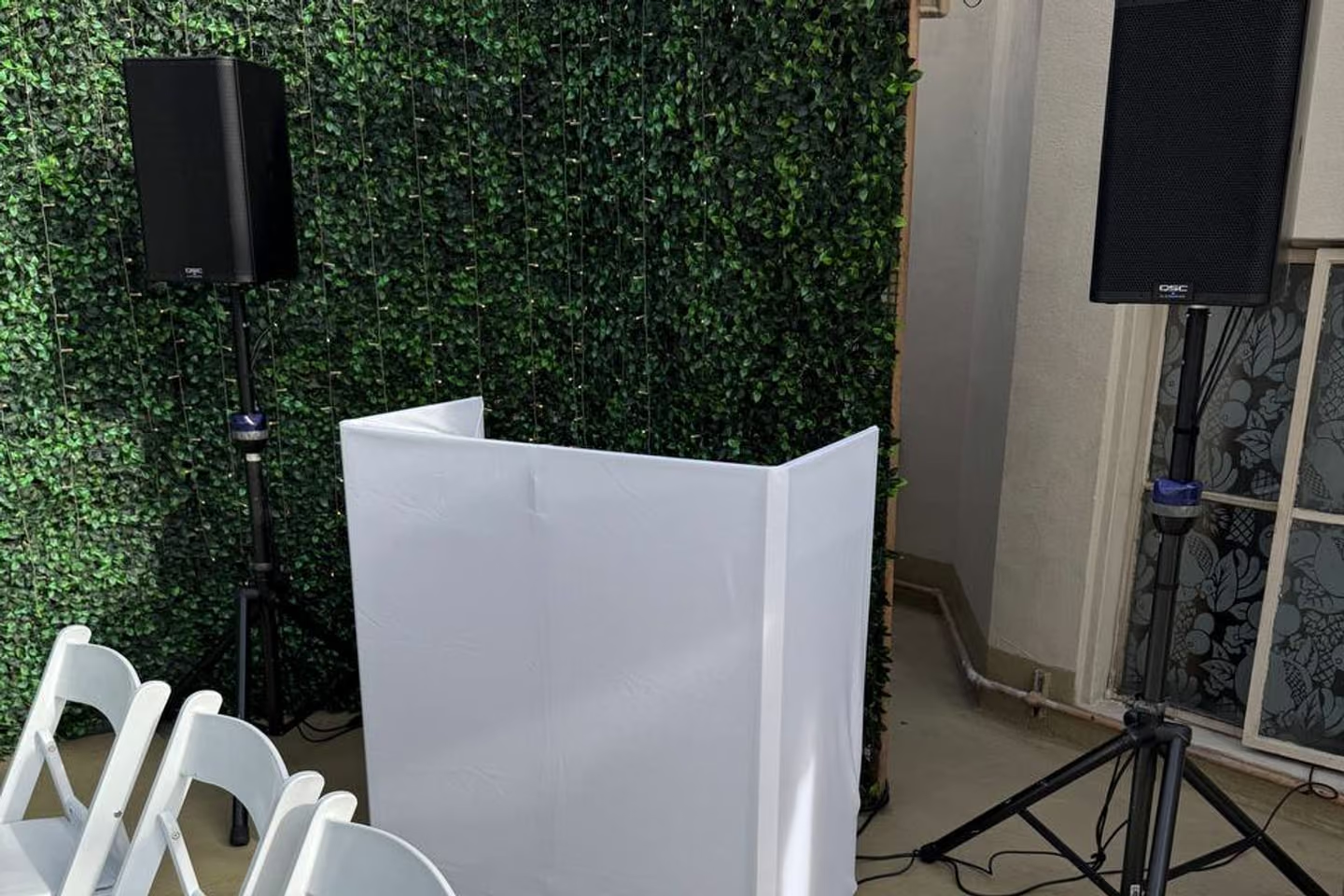
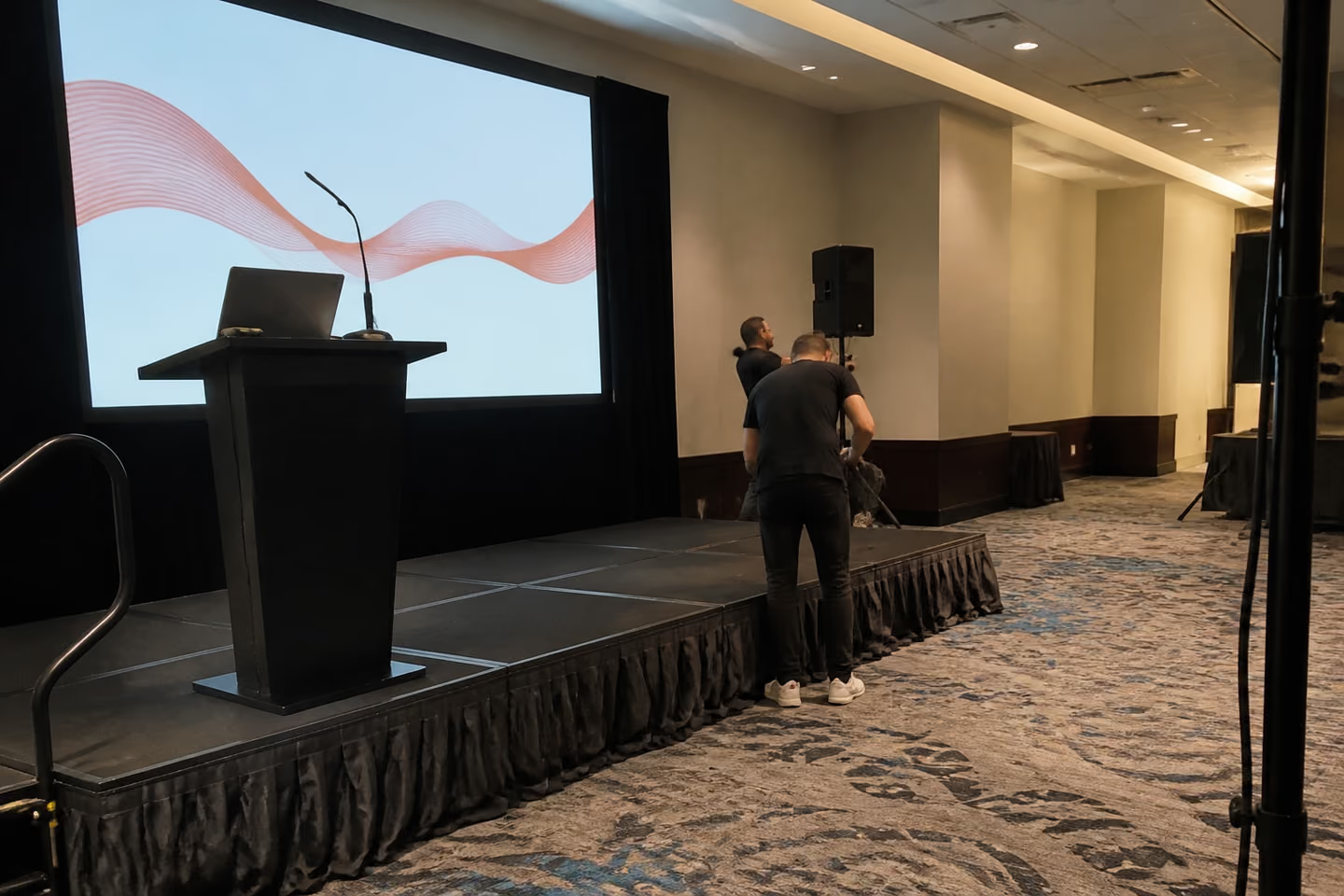
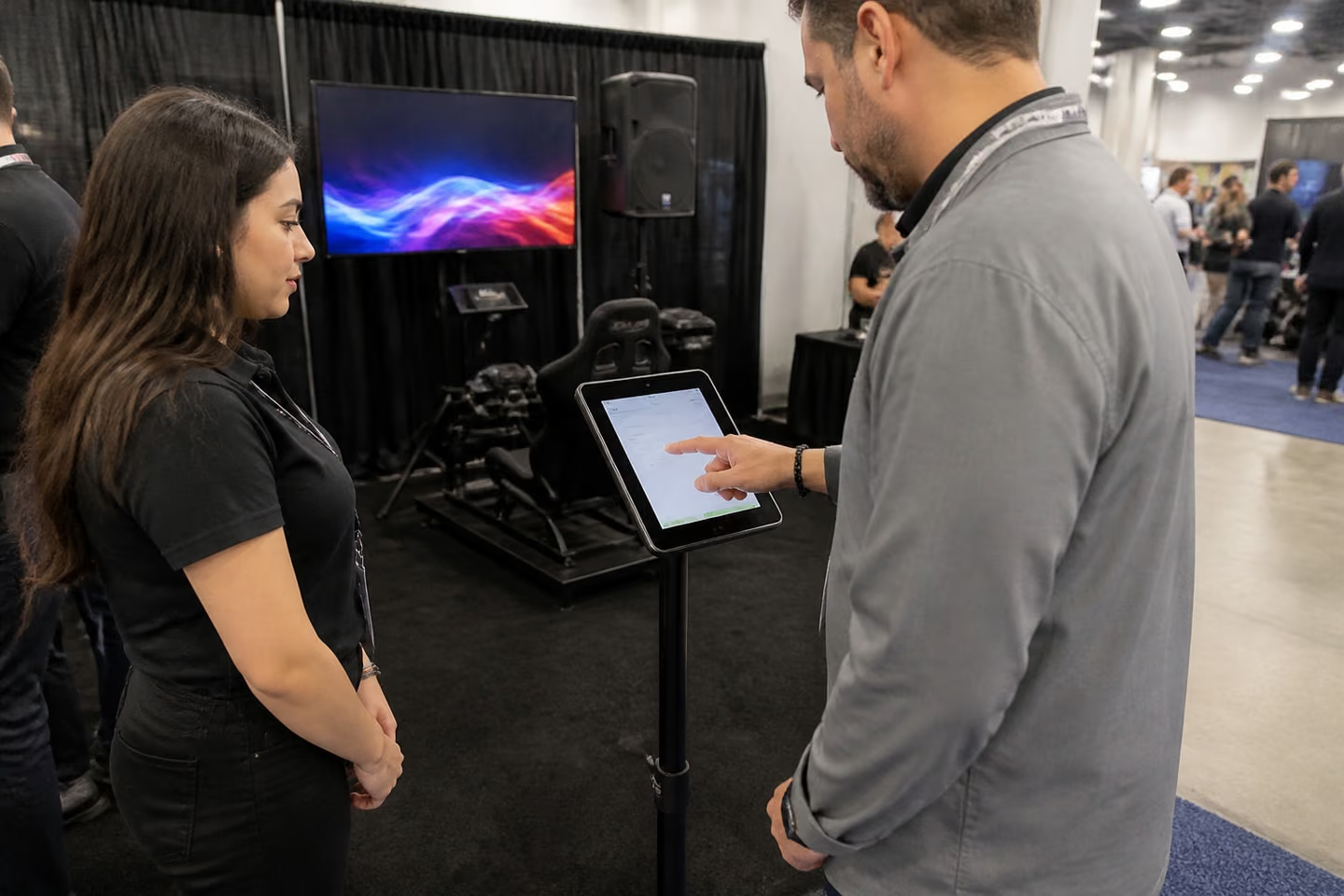
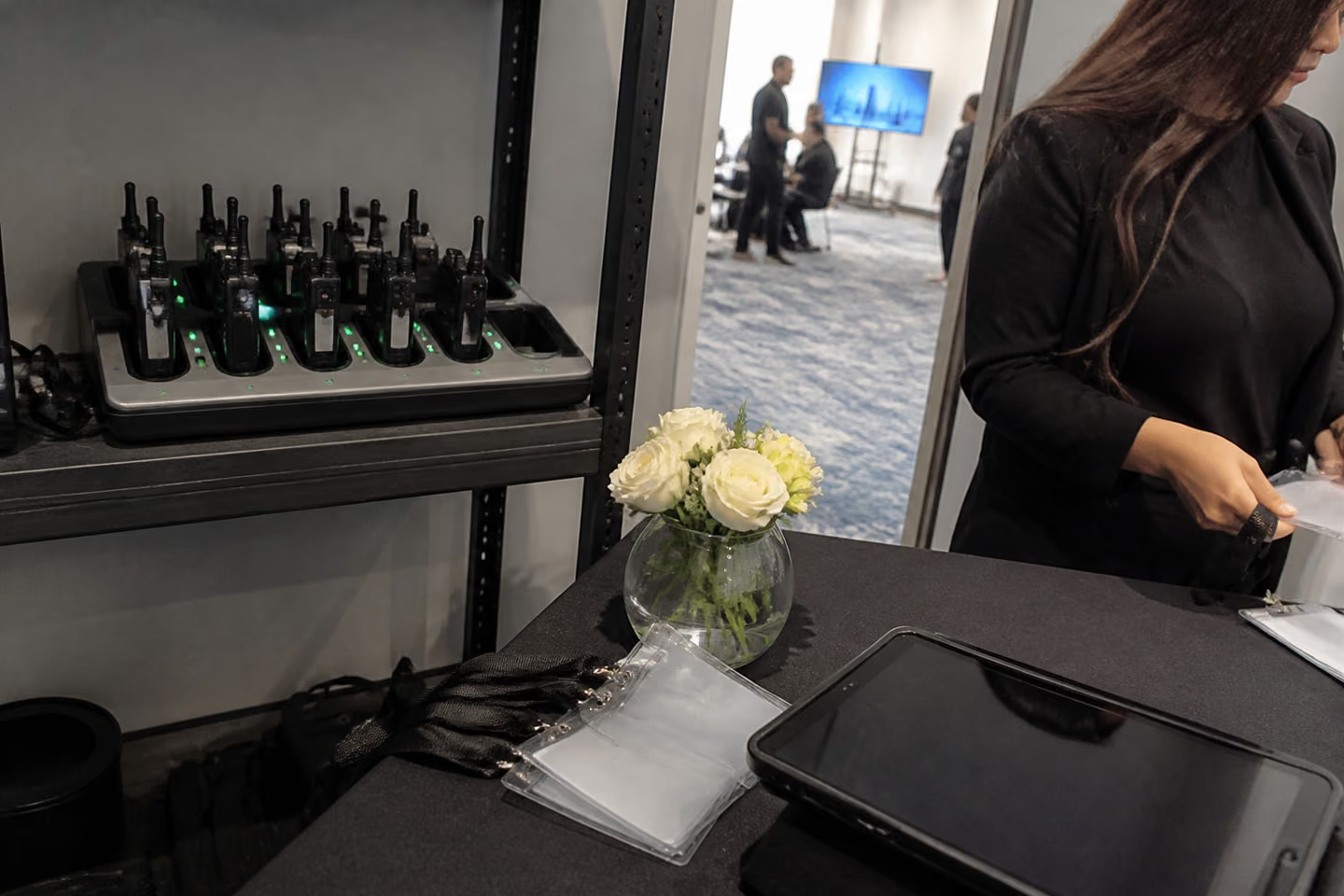
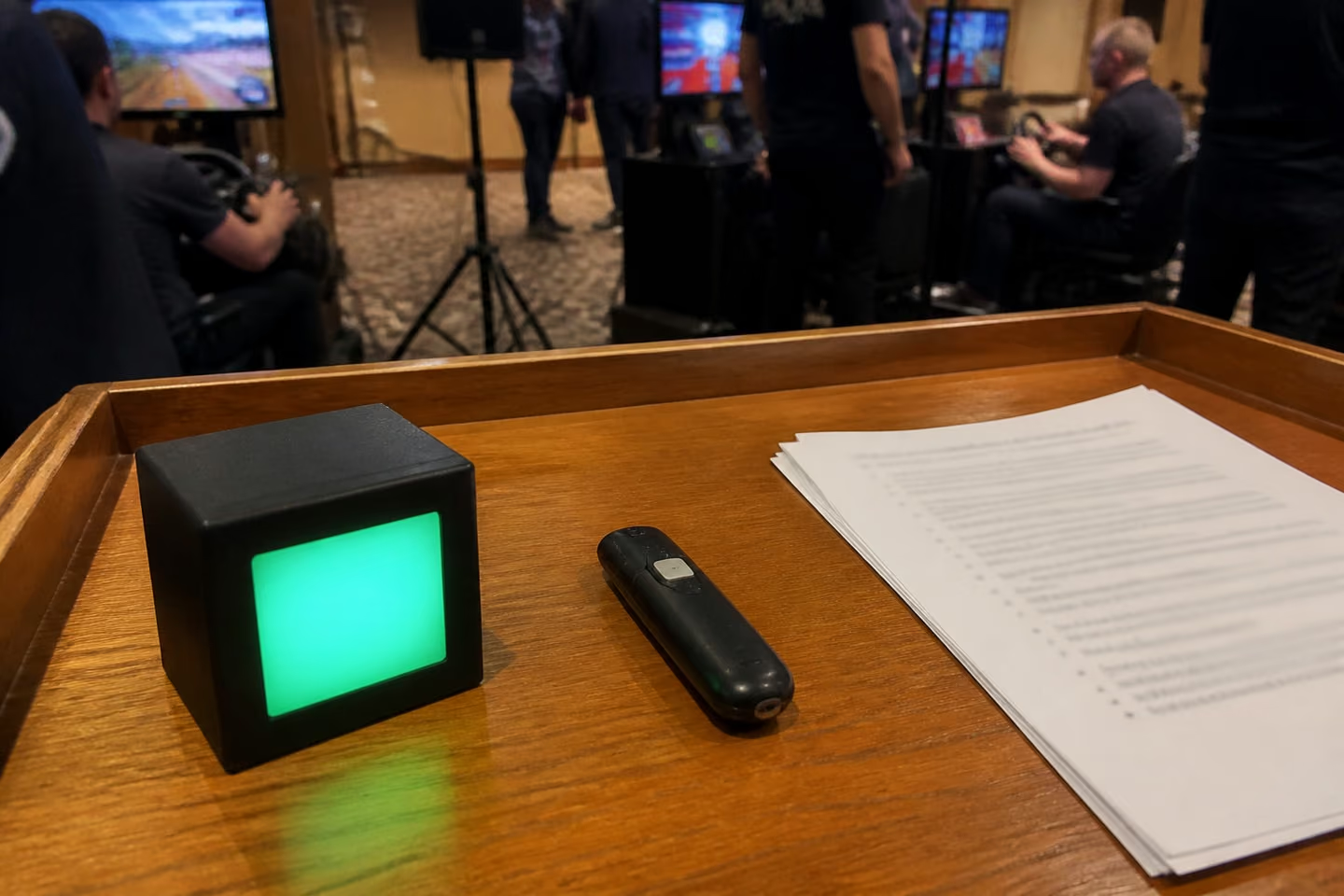
Your venue and your IT team get what they need before we arrive.
We send insurance documents to venues and organizers on request. Add your venue's requirements to your request so we can check them early.
If tablets collect guest data, tell us what you're collecting and which forms to load. We set the devices up for them before delivery.
Most failures happen in the first minute of a talk, in front of the whole room.
A laptop that won't show on the screen.
The speaker waits while someone looks for an adapter. We test every presenter's laptop or load the slides on our machine.
Dead batteries.
A microphone or clicker dies mid-sentence. We charge everything before doors open and check it again at breaks.
Venue Wi-Fi drops.
Check-in tablets and live polls stop, and the room waits.
Tablets set up on site.
Staff spend the first hour loading apps. We deliver them ready.
You'll know what happens at each step, from your first message to pickup.

You don't need your own tech person. We bring the people who set up the room and keep it working.
Wherever your meeting is, the devices come to it.
Two bases
We have two bases, Los Angeles and Orlando, and work across the U.S. Our Orlando office and warehouse make Florida and the East Coast a regular working region, and our page on corporate events in Orlando covers local venues and AV rental in Orlando. Send us your city and venue, and we'll confirm the date.
Orlando office: 310 N Orange Ave, STE. 201, Orlando, FL 32801Yes. Usually that means an iPad on a floor stand running your sign-up form or demo. We set it up, keep it charged and check it during the show. Big shows, such as the PGA Show in January or IAAPA Expo in November at OCCC in Orlando, often order power through the convention center, so send us the exhibitor manual.
Yes. A podium works for demos and greeting visitors. With a tablet on top, it doubles as a check-in point.
We bring a hotspot as backup to the venue's network. If your event depends on the internet, tell us how many devices will connect, and we'll confirm a setup for your date.
Yes. We load laptops with your software and set them up on the tables before people arrive.
Yes. For a conference, we equip the main room and the breakouts. If you need help with the agenda and logistics too, see our meeting planning page.
As soon as you have a date and a device count. Tablets with your own apps take time to load and test, so earlier is better.
Yes, on request. The paperwork section above covers what we send.
Send us the date, the venue and your equipment list. We'll check availability right away and send a setup for your room. Tell us the event type, date, city, expected guest count and budget. Add the devices you need and how many rooms or sessions there are. Or call +1 213 912 1010
